Without any authentication request or user identification method, you can freely download and install any of our software on your computer.
Thus, you can evaluate the product before purchasing your End User License.
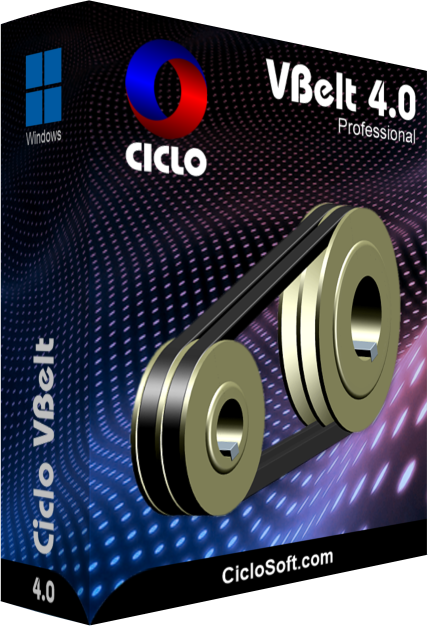
| Version: | 3.02.1306 |
|---|---|
| Language: | Multilanguage (English - Portuguese - etc.) |
| Operating System: | Windows 11 / 10 / 8 / 7 / Vista / XP |
| Use and Registration: | Free Trial - Unregistered Evaluation |
| File Name: | CicloVBeltSetup.exe |
| File Size: | 5.34 MB |
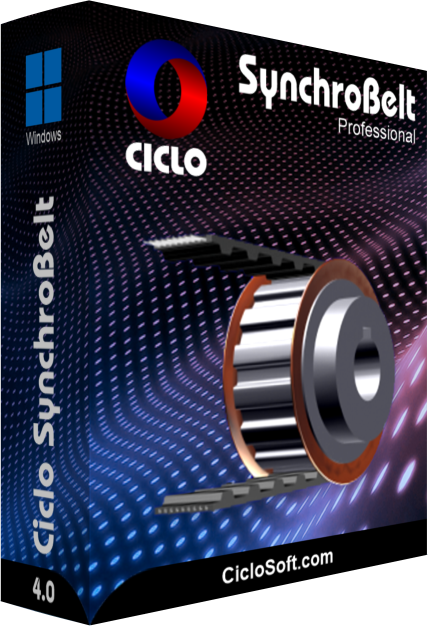
| Version: | 3.00 |
|---|---|
| Language: | Multilanguage (English - Portuguese - etc.) |
| Operating System: | Windows 11 / 10 / 8 / 7 / Vista / XP |
| Use and Registration: | Free Trial - Unregistered Evaluation |
| File Name: | not available |
| File Size: | not available |

| Version: | 3.00 |
|---|---|
| Language: | Multilanguage (English - Portuguese - etc.) |
| Operating System: | Windows 11 / 10 / 8 / 7 / Vista / XP |
| Use and Registration: | Free Trial - Unregistered Evaluation |
| File Name: | not available |
| File Size: | not available |

To download the Setup Wizard to your computer, click the download button to the right of the Ciclo Software product.
When a dialog box appears, click the Save button and save the file to a folder on your computer. For example: My Documents.
Warning: Download accelerators can sometimes corrupt the Setup Wizard's file during transmission. If this happens, clear the cache of your browser, disable any download accelerators and download the file again.

To install the Ciclo Software, run the Setup Wizard from the folder you choose. In the example: My Documents.
In the Welcome dialog box, click the Setup button and follow the on-screen instructions.
Warning: Some antivirus programs may interfere with the installation process so that the Setup Wizard appears to hang or freeze. If this happens, temporarily deactivate your antivirus software and restart the installation.

To uninstall a Ciclo Software product, open the Windows Control Panel and double-click the Programs and Features icon.
In Windows XP: Add or Remove Programs.
In the program list, select the Ciclo Software product and click the Uninstall button.
In Windows XP: Remove button.


Ciclo is a technology company that develops software for the design of machines. We take pride in providing top-notch solutions that strengthen our clients' businesses.
Copyright © 1998-2023 Ciclo Software Ltd. All rights reserved.